
The ViRTUE App
Tutorial
In the tutorial, the user becomes familiar with the VR environment and the controllers and learns the interactions of the virtual patient visit.

Practice steps
The tutorial includes the following practice steps:
- Controller actions
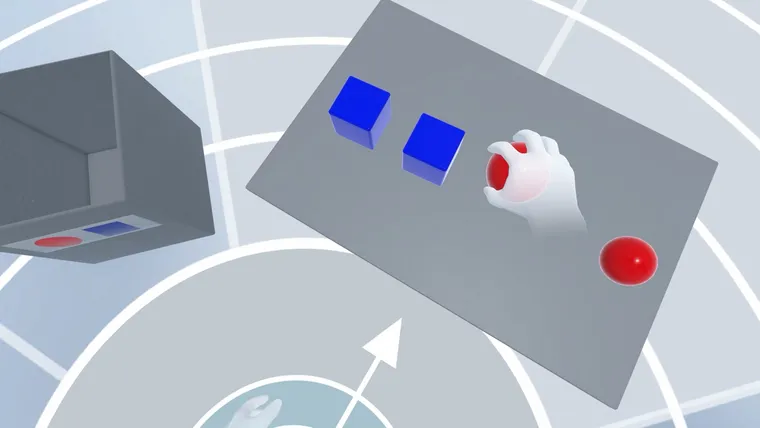
- Grabbing objects
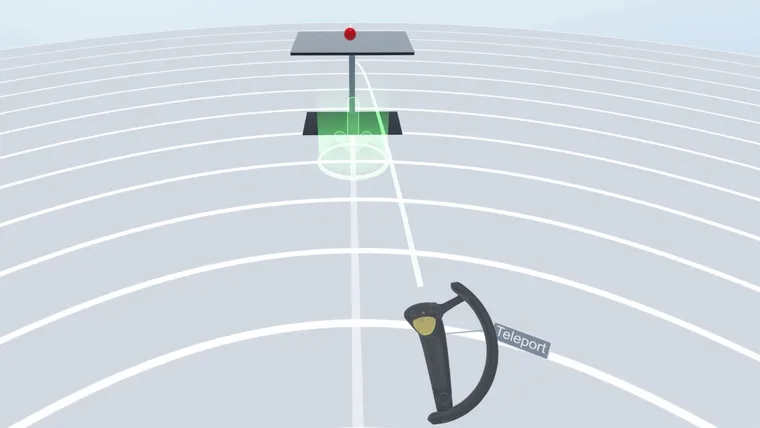
- Teleporting
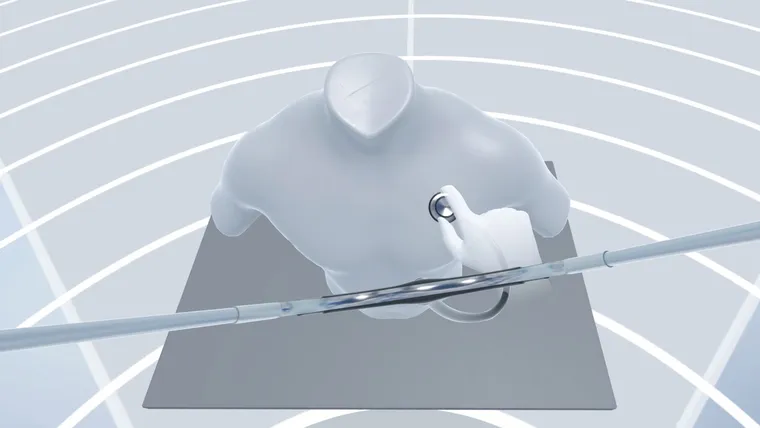
- Using the stethoscope
- Using the ear thermometer
- Recording measurement data on the clipboard
- Explanation of the whiteboard
- Activating the germ view, spreading germs, disinfecting the hands
Controls
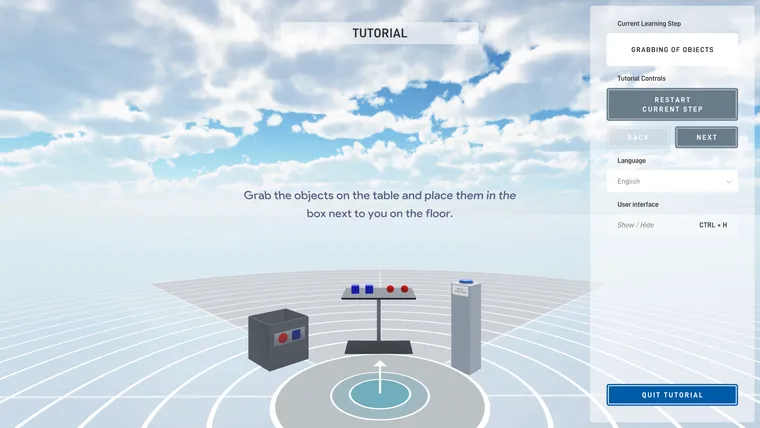
During the tutorial, the panel on the right side provides the following information, settings, and control options:
Current Learning Step
Shows which learning step in the tutorial is currently active.
Tutorial Controls
Using the tutorial controls, the operator can adjust the flow of the tutorial as needed.
- Restart Current Step - restarts the currently active learning step.
- Back - ends the current learning step and starts the previous learning step.
- Next - skips the current learning step and starts the next learning step.
Change user language
Select the user language from the dropdown list. This displays all text elements in the tutorial in the corresponding language. The language of the user interface is not changed by this.
Show or hide the user interface
You can show or hide the user interface with the keyboard shortcut CTRL + H.
Quit tutorial
Ends the tutorial and returns to the main menu.