
The ViRTUE App
Main menu
From the main menu you can reach all of ViRTUE's main functions. The following sections describe each menu item in detail.
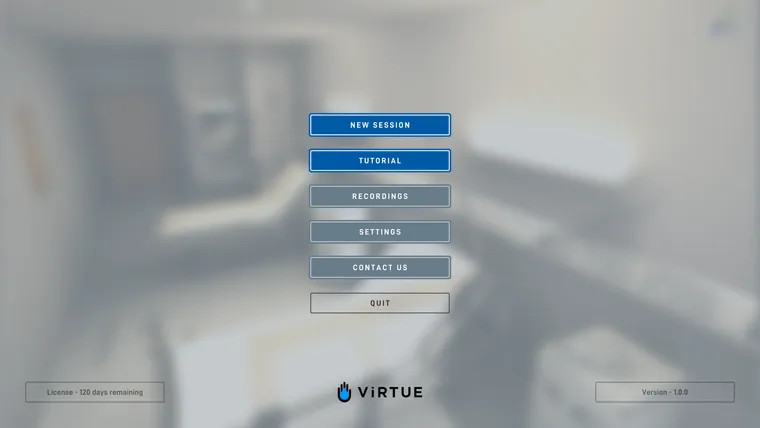
The main menu offers the following options:
- New session: starts a new session.
- Tutorial: starts an interactive tutorial in which the interactions of the patient visit can be practised in VR.
- Recordings: load and play back recordings of past sessions.
- Settings: adjust ViRTUE’s settings.
- Contact: contact us via the integrated contact form.
- Manual & Wiki: opens this online manual and the wiki in your web browser.
- Quit: closes ViRTUE.